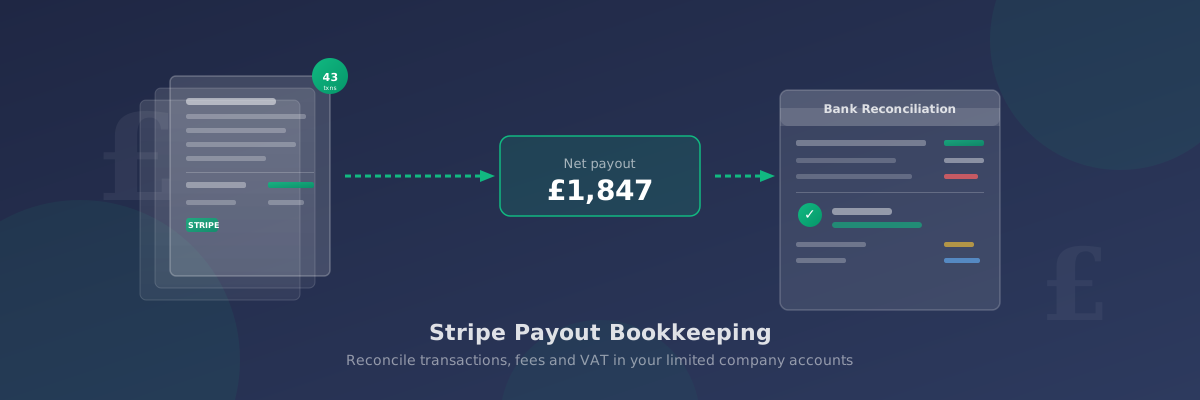
Reconciling Stripe Payouts to Your Bookkeeping
If your limited company accepts online payments through Stripe, you'll receive lump-sum payouts to your bank account every few days. These payouts rarely match individual sales — Stripe bundles multiple transactions together, deducts its fees, and sends a net amount. That mismatch is the core challenge of Stripe payout bookkeeping: recording what actually happened without creating gaps or errors in your accounts.
This guide explains how to reconcile Stripe payouts accurately, how to handle Stripe fees as a business expense, and how to deal with VAT if your company is VAT-registered.
Understanding How Stripe Payouts Work
Stripe holds incoming payments in a Stripe balance before transferring them to your bank. Payouts are consolidated — typically every 2 days for UK accounts — and arrive as a single bank entry that may represent dozens of individual customer transactions.
Each payout:
- Groups together multiple customer payments from the payout period
- Deducts Stripe's processing fees from the total
- Nets off any refunds processed during the same period
- Transfers the remaining balance to your nominated bank account
The Two Approaches to Reconciling Stripe Payouts
Approach 1: Gross-in, fees-out (recommended)
Record each customer sale at its full amount as income, then record Stripe's fees separately as a payment processing expense.
Example:
- Record sales income: £1,960.00
- Record refund (credit): −£22.28
- Record Stripe fees (expense): £90.40
- Bank payout received: £1,847.32 ✓
Approach 2: Net income
Record only the net payout amount as income, treating the deducted fees as an implicit cost.
This is simpler but distorts your true revenue. If you're preparing accounts under FRS 105, your Turnover will be understated. Most accountants recommend gross-in, fees-out — particularly if you're VAT-registered, since VAT is charged on the full sale price, not the net payout.
Step-by-Step Reconciliation Process
Step 1: Download your Stripe payout report
In the Stripe Dashboard, go to Reports → Payouts. Select the payout you want to reconcile and download the transaction breakdown as a CSV. This shows every individual transaction — customer payments, refunds, and fees — included in that payout.
Step 2: Post the gross sales total
Total all the customer payments included in the payout (before fees). Post this as income in your bookkeeping software. If you're VAT-registered, split this between net sales and VAT collected — see the VAT section below.
Step 3: Post Stripe fees as an expense
Total the Stripe fees shown in the payout breakdown. Post these as a payment processing or merchant fee expense. Do not post fees as a deduction from sales — they are a separate operating expense.
Suggested account names:
- Payment processing fees
- Merchant fees
- Bank charges and fees
Step 4: Record any refunds
If the payout nets off refunds issued during the period, record these as sales returns or credits against your income account. Match each refund to the original sale if your bookkeeping software supports it.
Step 5: Match to your bank feed
Once you've posted the gross sales, fees, and refunds, the total should reconcile to the net payout in your bank account. Mark the bank transaction as matched and the reconciliation is complete.
Handling Stripe Fees as a Business Expense
Stripe's fees are deducted before payouts, so they never appear as separate bank debits. You need to extract them from the payout CSV rather than matching them to bank entries.
Keep a consistent expense account across all payment processor fees (Stripe, PayPal, SumUp, Square) to make year-end analysis straightforward. If your bookkeeping software supports cost categories, label them clearly — your accountant will thank you.
Stripe's VAT on fees
Stripe adds 20% VAT to its processing fees for UK businesses. This appears as a separate line item in the payout breakdown. If your company is VAT-registered, you can reclaim this as input VAT on your VAT return. Make sure your bookkeeping entry separates the net fee from the VAT component so it flows correctly into your VAT workings.
Stripe and VAT Bookkeeping
If your company is VAT-registered, every Stripe payment from a UK customer includes VAT. Do not record the full transaction amount as income — you must split the VAT element.
Example — a £120 customer payment (standard rate):
- Net income: £100.00
- VAT collected (Box 1): £20.00
- Stripe fee (net): £1.75
- VAT on Stripe fee (input VAT): £0.35
- Post £100 to turnover (standard rate)
- Post £20 as output VAT payable to HMRC
- Post £1.75 as payment processing expense
- Post £0.35 as input VAT reclaimable
B2C vs B2B: For consumer-facing businesses, prices typically include VAT. For B2B businesses charging VAT on top of a net price, the VAT is explicit on the invoice. Make sure your Stripe charge amounts reflect whether VAT is included or added on top.
Stripe and Your Chart of Accounts
If your company prepares accounts under FRS 105, Stripe income sits in Turnover and fees sit in Administrative expenses. For a more granular view, create a sub-category for payment processing costs within administrative expenses.
For guidance on setting up a logical chart of accounts for a one-person limited company, see our FRS 105 chart of accounts guide.
Automating Reconciliation with Bank Feeds and CSV Imports
For businesses processing high transaction volumes, manual reconciliation from Stripe CSV files becomes time-consuming. Most bookkeeping platforms offer automation:
- Xero — the Stripe app syncs transactions automatically, splitting sales and fees
- QuickBooks — the Stripe connector imports transactions and categorises them
- FreeAgent — manual CSV import from Stripe reports
- Google Sheets / Excel — CSV upload with formulas to split net and VAT columns
For more on choosing between live bank feeds and periodic CSV file imports, see our guide to bank feeds vs CSV imports for UK bookkeeping.
Common Reconciliation Mistakes
Posting the payout as income. The payout is a net transfer, not your income figure. Posting £1,847.32 as income misses £112.68 in gross sales and fees.
Ignoring refunds in the period. If Stripe nets off a refund, you must credit the original sale in your accounts. Failing to do so overstates income for the period.
Missing VAT on Stripe fees. If VAT-registered, always separate the VAT component of Stripe's fees — it's reclaimable input VAT that adds up over the year.
Not tracking your Stripe balance. Stripe may hold a rolling balance that hasn't yet been paid out. If this balance is material, it should appear as a current asset in your balance sheet, not ignored until it hits your bank.
Mixing currency payouts. If you accept USD or EUR payments, Stripe converts them before paying out in GBP. Book the payout in GBP and record any exchange rate differences as FX gains or losses.
Summary
Stripe payouts are net amounts that group many transactions together, making them harder to reconcile than straightforward bank credits. The recommended approach is to record gross customer sales as income, then post Stripe fees separately as a payment processing expense. VAT-registered businesses must split the VAT element from net sales before posting. Download Stripe's payout CSV for the full transaction breakdown, and consider a direct Stripe integration if you're processing significant volume.
For a broader introduction to keeping your limited company books in order, see our bookkeeping guide for UK limited companies.