CT600 Box 185: Gross Income from Which Tax Deducted
Box 185 on the CT600 captures gross income from which income tax has been deducted at source. This applies when your company receives certain types of income net of tax.
What Goes in Box 185?
Box 185 is for the gross amount of income where:
- Tax was deducted before you received it
- You received a net amount
- You're entitled to credit for the tax deducted
Types of Income with Tax Deducted
Income that may have tax deducted at source includes:
| Income Type | Tax Deducted? |
|---|---|
| Patent royalties | Often yes (20%) |
| Certain annual payments | Often yes (20%) |
| Interest from certain sources | Sometimes |
| Income from discretionary trusts | Yes (45%) |
| Foreign dividends | Withholding tax may apply |
Grossing Up the Income
If you receive income net of tax, you need to gross it up:
Formula: ``` Gross Income = Net Amount ÷ (1 - Tax Rate) ```
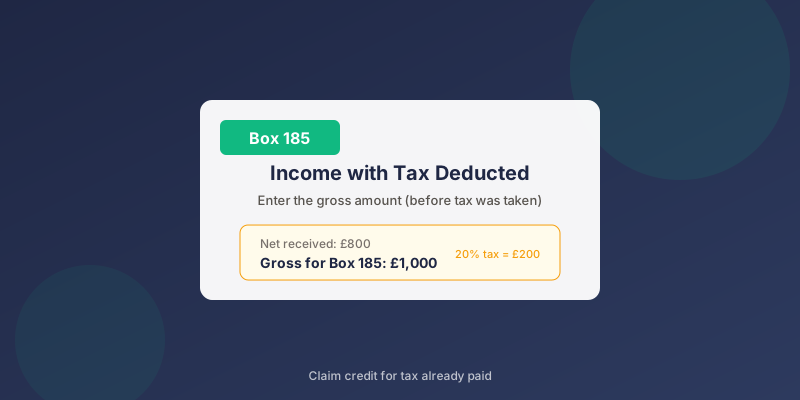
Example: 20% Tax Deducted
- Net amount received: £800
- Tax rate deducted: 20%
- Gross amount: £800 ÷ 0.8 = £1,000
- Box 185: £1,000
- Tax credit: £200
Example: 45% Tax Deducted (Trust Income)
- Net amount received: £550
- Tax rate deducted: 45%
- Gross amount: £550 ÷ 0.55 = £1,000
- Box 185: £1,000
- Tax credit: £450
Claiming Credit for Tax Deducted
When you enter gross income in Box 185:
- You include the gross amount in your taxable income
- You claim credit for the tax already deducted
- The credit reduces your Corporation Tax liability
When Box 185 Applies
Common scenarios where Box 185 is used:
Patent Royalties Received
If your company receives patent royalties:
- Payer may deduct 20% income tax
- Enter gross royalty in Box 185 (and Box 175)
- Claim credit for tax deducted
Trust Distributions
If your company receives income from a discretionary trust:
- Trust deducts tax at 45%
- Enter gross distribution in Box 185
- Claim credit for 45% tax
Construction Industry Scheme (CIS)
If your company works in construction and had CIS deductions:
- Enter gross payment amounts
- Claim credit for CIS tax deducted
- This may appear in Box 185 or related boxes
Most Small Companies: Box 185 = Zero
For typical small companies:
- Trading income isn't subject to tax at source
- Service fees aren't taxed before receipt
- Most income is received gross
Related Boxes
| Box | Description |
|---|---|
| 175 | Annual payments received |
| 180 | Non-UK dividends |
| 185 | Gross income with tax deducted (this box) |
| 190 | Property business income |
| 195 | Non-trading gains on intangible assets |
Common Questions
My customer paid me and didn't deduct any tax - what do I enter?
If no tax was deducted, don't use Box 185 for that income. It goes in the normal trading income boxes (Box 150 or similar).
What about PAYE I pay as an employer?
PAYE you deduct from employees is different - that's tax you pay over to HMRC, not tax deducted from income you receive. Box 185 is for income you receive with tax already taken off.
Interest my company received - does it go here?
Bank interest is usually received gross by companies. If no tax was deducted, it doesn't go in Box 185. Enter it in the appropriate income box.
I received a payment after 20% tax was taken off - what now?
- Calculate the gross amount (divide net by 0.8)
- Enter gross in Box 185
- Enter in the relevant income category too (may be Box 175)
- Claim tax credit in the appropriate section
When Using TinyTax
TinyTax handles income with tax deducted:
- Indicate if any income had tax deducted at source
- Enter the net amount received and tax rate
- TinyTax calculates gross and populates correctly
- Tax credits are calculated automatically
Related Articles
Need Help?
TinyTax makes entering income with tax deducted straightforward. Just enter what you received and any tax that was deducted - the software handles the rest.
Start Your CT600 Filing →