What Is iXBRL? Company Accounts Format Explained
If you have been told your company accounts need to be in "iXBRL format" and are not sure what that means, this guide explains it in plain English. iXBRL is a technical standard for packaging company accounts so that both humans and computers can read them. You do not need to create iXBRL yourself, but understanding what it is helps you navigate the accounts and company tax return filing process.
What Does iXBRL Stand For?
iXBRL stands for Inline eXtensible Business Reporting Language. Breaking that down:
- Inline — the data is embedded within a readable HTML document, so accounts still look like normal accounts to a human reader
- eXtensible — it uses tags that can be defined and extended to describe any type of financial data
- Business Reporting Language — it is designed specifically for financial and business reporting
Why Does HMRC Require iXBRL Accounts?
HMRC requires company accounts to be submitted in iXBRL format alongside your company tax return. This requirement has applied to the vast majority of companies for over a decade.
The reason is efficiency. When accounts are tagged with iXBRL, HMRC's systems can automatically extract key figures — turnover, profit, tax charge — without anyone manually re-entering them. This reduces errors, speeds up processing, and allows HMRC to cross-reference data across millions of submissions without human intervention.
Companies House also accepts iXBRL accounts when filed electronically through approved software.
How Does iXBRL Tagging Work?
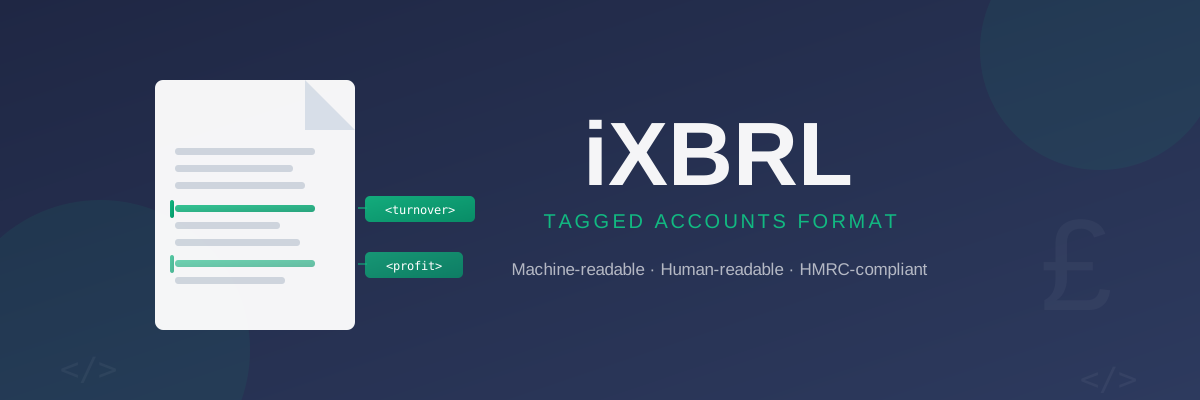
Think of iXBRL accounts as an annotated document. Your accounts look exactly like normal accounts — balance sheet, profit and loss account, notes — but each financial figure has an invisible data tag attached to it.
For example, a turnover figure of £50,000 is not just displayed text. In iXBRL, it is tagged with a code that identifies it as: turnover, accounting period X, company Y, reported in pounds sterling. Software can read all these tags and extract structured data without parsing the text visually.
This tagging follows a standard reference called a taxonomy. HMRC uses the UK GAAP taxonomy, which defines standard codes for every type of financial figure. Accounts prepared under FRS 105 (micro-entities) or FRS 102 (small companies) each use specific taxonomy versions.
What Is Included in iXBRL Accounts?
A full set of iXBRL accounts for a small company typically includes:
| Section | Contents |
|---|---|
| Balance sheet | Assets, liabilities, shareholders' equity |
| Profit and loss account | Turnover, expenditure, profit or loss |
| Notes to the accounts | Accounting policies, statutory disclosures |
| Director's report | Statement of responsibilities (if required) |
| Director's signature | Approval statement |
Do Directors Need to Create iXBRL Themselves?
No. Filing software generates iXBRL automatically. You enter your financial figures — turnover, expenses, assets, liabilities — into the software, and it produces a properly tagged iXBRL file that meets HMRC's requirements.
Creating iXBRL manually, by writing the underlying HTML and tagging each figure by hand, is technically possible but entirely impractical. That is why specialist accounts filing software exists.
When evaluating accounts filing software, check that it:
- Generates iXBRL output that passes HMRC's online validation service
- Supports the correct taxonomy version for your accounts type (micro-entity or small company)
- Submits directly to both HMRC and Companies House in a single workflow
iXBRL Accounts and Your Company Tax Return
When you file your company tax return (CT600) with HMRC, you attach your iXBRL accounts as part of the submission package. HMRC requires three documents submitted together:
- The CT600 form — reporting taxable profits and tax due
- iXBRL accounts — tagged financial statements for the accounting period
- Computations — showing how taxable profit is derived from accounting profit
For a full walkthrough of the CT600 and what it contains, see our company tax return guide.
iXBRL for Micro-Entity Companies
If your company qualifies as a micro-entity under FRS 105 — broadly, meeting two of the three thresholds of turnover under £632,000, balance sheet total under £316,000, and no more than 10 employees — you can file simplified accounts.
Micro-entity accounts have fewer disclosure requirements, but they must still be in iXBRL format when submitted to HMRC as part of your corporation tax return.
For most small companies, accounts software generates iXBRL for both your HMRC submission and your Companies House filing simultaneously, producing a single file accepted by both.
For more on micro-entity eligibility and what simplified accounts include, see our guide to micro-entity accounts.
Common iXBRL Validation Errors
When iXBRL accounts are submitted to HMRC or Companies House, the systems run automated validation checks. Common errors include:
- Missing mandatory tags — required financial fields were not tagged in the accounts
- Period mismatch — the accounting period dates in the iXBRL accounts do not match those in the CT600
- Balance sheet error — total assets do not equal total liabilities plus equity
- Company name mismatch — the name in the accounts differs from the name on HMRC's records
Summary
iXBRL is the tagged digital format required when submitting company accounts to HMRC as part of your corporation tax return. It embeds machine-readable data tags inside a normal-looking HTML document, allowing HMRC to process millions of company accounts automatically. As a director, you do not create iXBRL manually — your accounts software handles the tagging. What matters is that your figures are accurate and your software produces a valid iXBRL file.
For a detailed explanation of what iXBRL accounts contain and how they are structured, see our guide to iXBRL accounts explained.