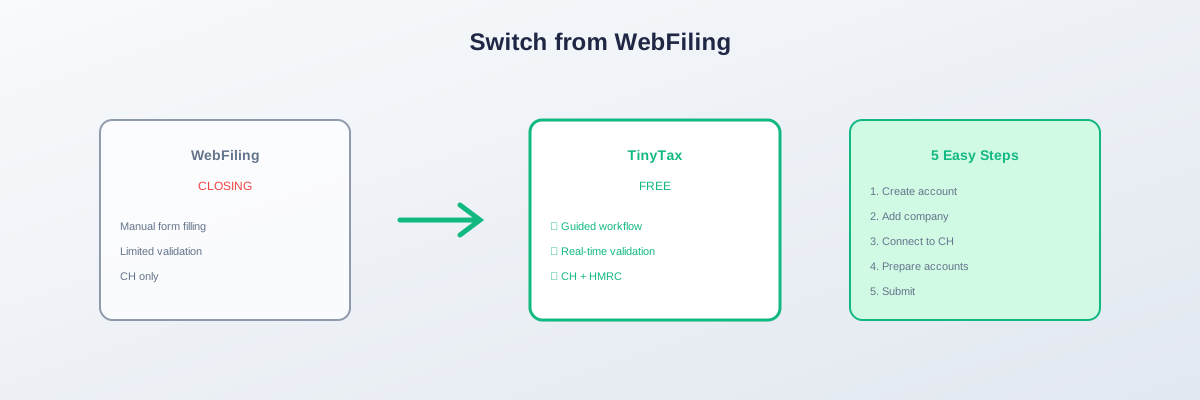
Switching from Companies House WebFiling: Step-by-Step
Companies House WebFiling for accounts closes on 1 April 2027. If you've been using WebFiling, here's how to switch to commercial software.
Before You Start
What You'll Need
- Company registration number
- Companies House authentication code
- Previous years' accounts for reference
- Accounting records for next filing
Choose Your Software
- TinyTax — Free for micro-entities
- TaxCalc — £100+/year
- IRIS — £200+/year
- Sage — £150+/year
Step-by-Step Switch
Step 1: Create Software Account
- Visit your chosen software provider
- Register with company email
- Verify your account
Step 2: Add Your Company
- Enter company registration number
- Software auto-populates company details
- Verify information is correct
Step 3: Set Up Authentication
- Enter Companies House authentication code
- Verify connection to CH systems
- Test if available
Step 4: Prepare Accounts
- Enter financial information
- Software generates iXBRL automatically
- Review accounts preview
Step 5: Submit
- Final review of accounts
- Submit electronically to Companies House
- Receive confirmation
What's Different from WebFiling?
| WebFiling | Commercial Software |
|---|---|
| Manual form filling | Guided workflow |
| Limited validation | Real-time error checking |
| Basic accounts only | Full iXBRL generation |
| CH only | Often includes HMRC too |
Timeline
- Now: Choose software
- 2026: Set up and test
- April 2027: WebFiling closes
- After April 2027: Use software for all filings
Summary
- WebFiling for accounts closes April 2027
- Switch to commercial software
- Free options available (TinyTax)
- Start early to avoid deadline pressure
TinyTax offers free accounts filing. Create your account →